
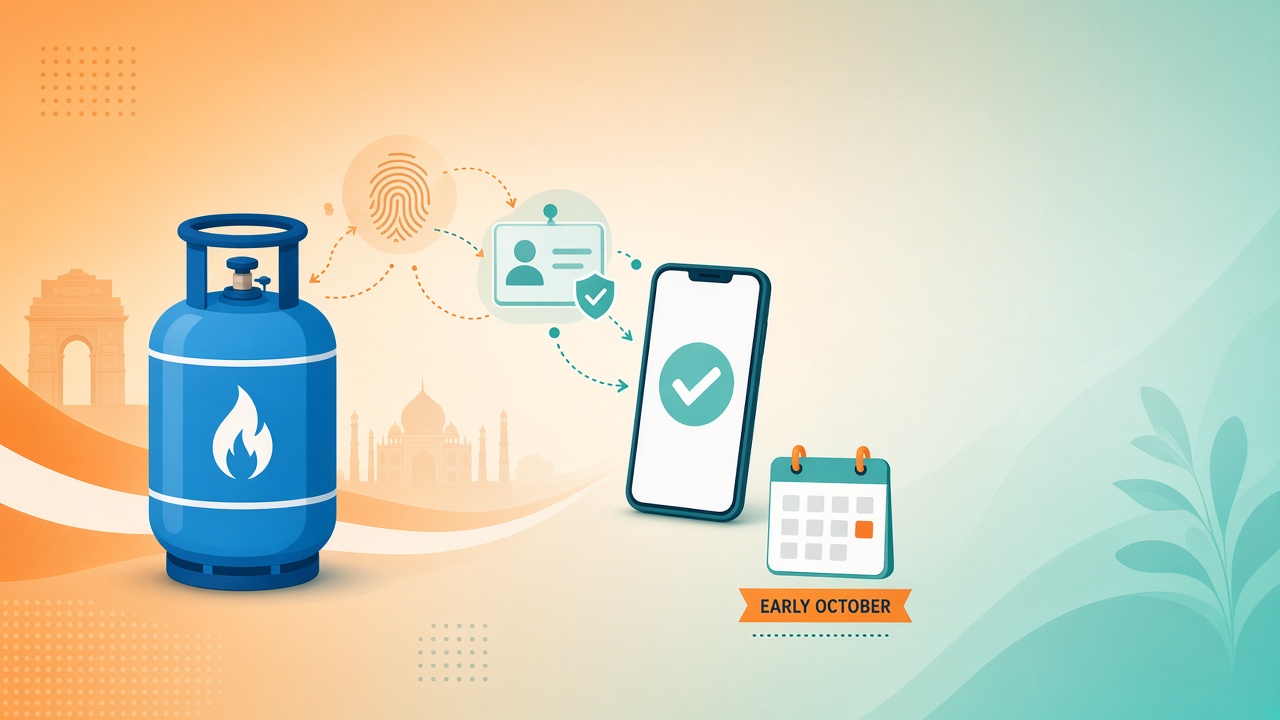
From 1 October 2026, domestic LPG consumers in India will need completed Biometric Aadhaar Authentication (BAA)—often called LPG e-KYC—to book cylinder refills at the regulated Retail Selling Price (RSP) with the applicable subsidy. The Ministry of Petroleum and Natural Gas confirmed this through an official Press Information Bureau (PIB) release. Households that have already finished authentication need not repeat it. Those who have not should complete the process soon if they want to keep subsidised domestic refills.
This guide covers who must complete BAA, what changes after the deadline, how Indane, Bharatgas (BPCL) and HP Gas consumers can finish e-KYC via app, delivery person or distributor, and what happens if you skip authentication.
Why biometric Aadhaar authentication is required
According to the Ministry, BAA links each domestic LPG connection to an Aadhaar-authenticated consumer. The stated aims are to ensure subsidised cooking gas reaches genuine, eligible households; reduce diversion of domestic cylinders for commercial or industrial use; identify duplicate and ineligible connections; and make subsidy delivery more transparent and targeted.
The government has stressed that the exercise is not meant to deny LPG to any genuine household. Consumers who cannot or do not wish to complete BAA can still get cooking gas—but at market price and under different supply conditions (explained below).
Who must complete biometric / Aadhaar e-KYC?
You need to complete BAA if you hold a domestic LPG connection (Indane, Bharatgas or HP Gas), have not yet completed Biometric Aadhaar Authentication for that connection, and want to continue booking refills at the regulated RSP with applicable subsidy from 1 October 2026 onwards.
You do not need to do anything further if you have already completed BAA for your active domestic connection. As per PIB (as on 19 September 2026), a large majority of active domestic consumers had already finished authentication; their refill bookings continue as before.
Clarifications:
- The requirement is biometric Aadhaar authentication of the LPG connection, not a fresh Aadhaar enrolment.
- Completing BAA after 1 October still enables subsidised booking once authentication succeeds—the Ministry has said refill booking at RSP with subsidy will be enabled after BAA is completed.
- This article is for domestic consumers; commercial LPG is outside this subsidised framework.
If you are unsure of your status, check your oil company app or portal, ask your distributor, or call the LPG helpline 1800 2333 555.
Deadline context around 1 October 2026
Consumers were first asked to complete BAA by 30 June 2026. The deadline was then extended several times through July, August and into September, with 14 September 2026 cited as the latest earlier deadline in the Ministry’s September update. After those extensions, 1 October 2026 is the date from which subsidised domestic refill booking at regulated RSP requires completed BAA.
In plain terms:
- Before 1 October 2026: Complete authentication if still pending, using any free official channel below.
- From 1 October 2026: Without completed BAA, you cannot book domestic refills at the subsidised / regulated RSP until authentication is done—unless you formally register that you do not wish to authenticate and accept market-price supply.
Oil Marketing Companies (OMCs) have run outreach since October 2023, including SMS and WhatsApp messages, distributor follow-ups, camps, IVRS prompts during booking, and video tutorials on the PMUY portal.
What happens if you skip e-KYC?
Skipping BAA does not cut off cooking gas entirely. As per the Ministry:
- No subsidised / regulated-price booking for those without completed BAA (until they authenticate).
- Consumers who are unwilling or unable to complete BAA must register that choice through their OMC’s digital channels—consumer web portal, mobile app, WhatsApp chatbot, IVRS or other available channels.
- Such consumers will be supplied LPG at the applicable market price, without subsidy, in 5 kg or 10 kg cylinders, subject to local availability.
- Press reporting based on the Ministry’s position also indicates that non-authenticated households will not continue to receive the usual 14.2 kg subsidised domestic refill under the regulated-price route.
Market-price framing: Domestic LPG is sold below cost. PIB noted that the implicit subsidy for September 2026 was around ₹210 per 14.2 kg cylinder (it had been higher earlier in 2026). Exact retail prices vary by city and date—check your OMC app, distributor bill or official price list. Smaller free-trade packs (5 kg / 10 kg) are typically priced differently from the regulated 14.2 kg refill, so unpaid subsidy plus a different pack size can mean a higher out-of-pocket cost.
Bottom line: To keep booking the familiar subsidised domestic refill at regulated RSP, complete BAA. If you choose not to, register that choice officially and expect market-priced smaller cylinders, subject to local stock.
Three ways to complete BAA: app vs delivery boy vs distributor
The Ministry lists three official routes. All are free through official OMC channels.
1. During cylinder delivery (delivery person)
When your refill arrives, the delivery person can complete authentication on the spot using the OMC mobile application. Be present at the door and follow staff instructions for biometric capture (fingerprint or other biometric as supported by the device).
Best for: Households that prefer not to visit the agency and can authenticate when the cylinder is delivered.
2. At your LPG distributor’s showroom
Visit your Indane / Bharatgas / HP Gas distributor with the consumer details they ask for (typically LPG ID / consumer number and Aadhaar). Staff can complete authentication at the counter.
Best for: App face-scan failures, no smartphone, locked biometrics, or in-person help.
3. Self e-KYC on OMC mobile apps (from home)
Complete face-based self authentication using your company’s app plus UIDAI’s Aadhaar FaceRD app. Official self-help videos are on the PMUY e-KYC page: https://www.pmuy.gov.in/e-kyc.html.
| Oil company | Domestic brand | Self e-KYC app |
|---|---|---|
| Indian Oil (IOCL) | Indane | IndianOil ONE |
| Bharat Petroleum (BPCL) | Bharatgas | HelloBPCL |
| Hindustan Petroleum (HPCL) | HP Gas | HP PAY |
Also install Aadhaar FaceRD (Android / iOS) from official app stores. FaceRD often runs in the background and may not show a home-screen icon.
Step-by-step: how to complete self e-KYC on your phone
Before you start
- Use the mobile number registered with your LPG connection
- Keep your LPG consumer ID handy (shown on bills / consumer books)
- Ensure stable internet and a working front camera; prefer good lighting
- If biometrics are locked in mAadhaar, unlock them before face authentication
- Update the OMC app and Aadhaar FaceRD to the latest versions
General steps (all three companies)
- Install your OMC app (IndianOil ONE / HelloBPCL / HP PAY) and Aadhaar FaceRD.
- Open the OMC app and log in or register with the LPG-linked mobile number (OTP).
- Link or select your domestic LPG connection if prompted.
- Open the e-KYC / Aadhaar authentication / Biometric authentication option (labels may vary by app update).
- Give consent for Aadhaar-based authentication.
- Allow camera permissions; complete the live face capture via FaceRD.
- Submit and wait for on-screen confirmation that e-KYC / BAA is completed or submitted. Do not force-close mid-process.
- Recheck status in the app or with your distributor if confirmation is unclear.
Company-wise quick path
- Indane (IndianOil ONE): Log in → ensure LPG ID is linked → e-KYC / Aadhaar authentication → consent → FaceRD scan → confirm success.
- Bharatgas (HelloBPCL): Log in → select Bharat Gas connection → e-KYC / Aadhaar authentication → consent → face authentication → confirm.
- HP Gas (HP PAY): Log in → select HP Gas account → e-KYC / Aadhaar authentication → consent → FaceRD when prompted → confirm.
If the app fails repeatedly (server busy, timeout, face-match error), try off-peak hours, clear cache, update apps, unlock Aadhaar biometrics, or switch to distributor / delivery authentication.
After authentication
Once BAA is complete, you can continue booking domestic refills at the regulated RSP with applicable subsidy. You do not need to repeat BAA merely because 1 October has passed. Keep your registered mobile number updated with the distributor for booking SMS and OTP.
Subsidy amounts and retail prices can change. Always verify the amount on your current booking and any bank DBT credit rather than assuming an old figure.
Practical checklist before 1 October 2026
- Confirm whether your connection already shows BAA / e-KYC completed
- If not, pick one route: app, delivery, or distributor; the UMANG app guide may also help with digital services
- For the self route, install the correct OMC app + Aadhaar FaceRD
- Keep Aadhaar biometrics unlocked if using face scan; for related health-service Aadhaar help, see the Ayushman Bharat guide
- Save helpline 1800 2333 555 and the PMUY tutorial link; keep housing ID paperwork tips from the PMAY online form guide nearby
- If you truly do not wish to authenticate, register that choice on official OMC digital channels—do not simply ignore the notice
Closing note
For related reading, browse the Central Government Schemes category.
For document readiness, see the DigiLocker registration guide. Cooking gas is a monthly essential for millions of Indian homes. Completing biometric Aadhaar authentication is a one-time compliance step for most remaining consumers and is available free through the same delivery network and apps people already use for booking. If your Indane, Bharatgas or HP Gas connection still shows pending e-KYC, finish it before 1 October 2026 so subsidised refill booking at regulated RSP continues without interruption.
For official video walkthroughs, visit the PMUY self e-KYC page. For service help, call 1800 2333 555. Use emergency number 1906 only for gas leak / emergency situations (separate from e-KYC support).